Bring in the song
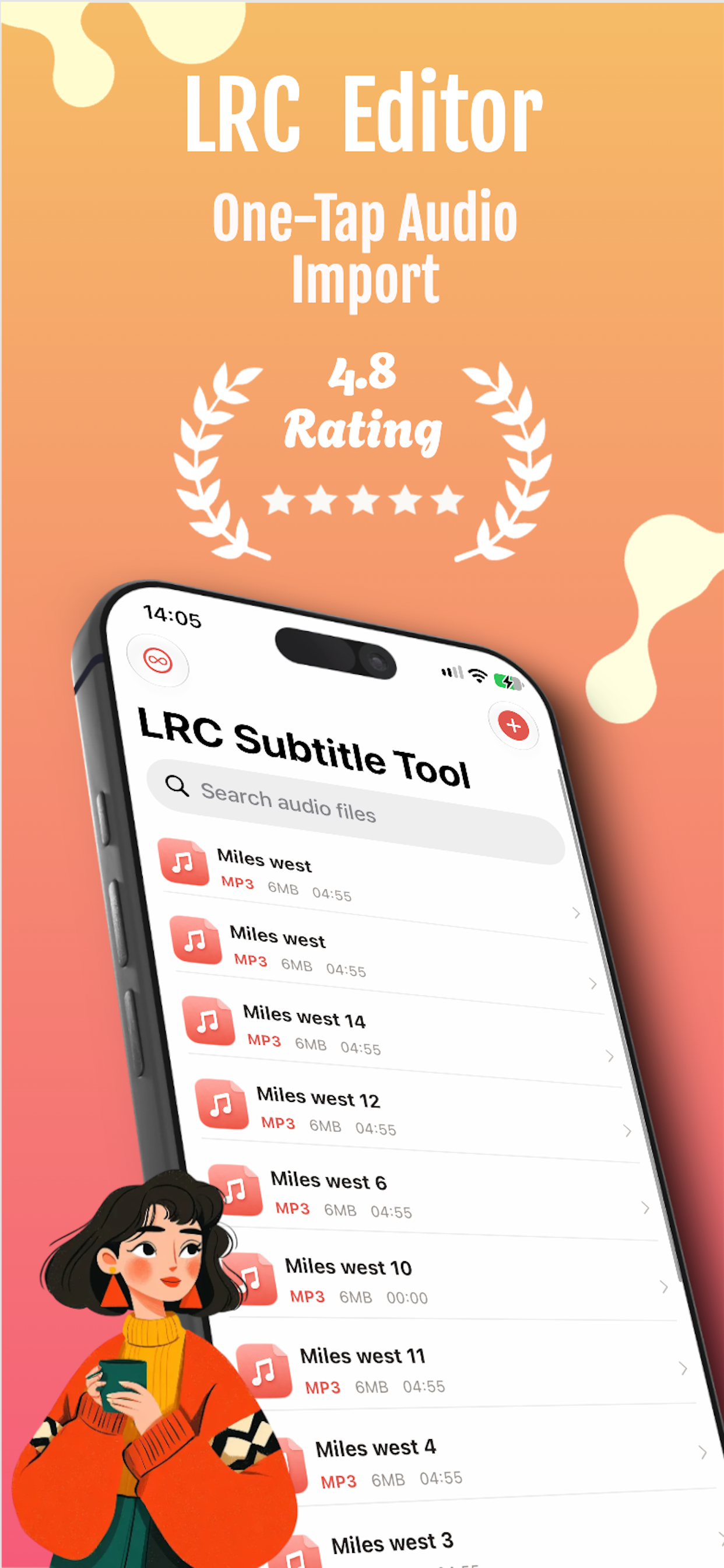
Choose an audio file, extract audio from a video, or import it from another app.
Synced lyrics for iPhone
Import a song, place each lyric against the waveform, then export a clean LRC file or write the lyrics back into the audio.
Choose an audio file, extract audio from a video, or import it from another app.
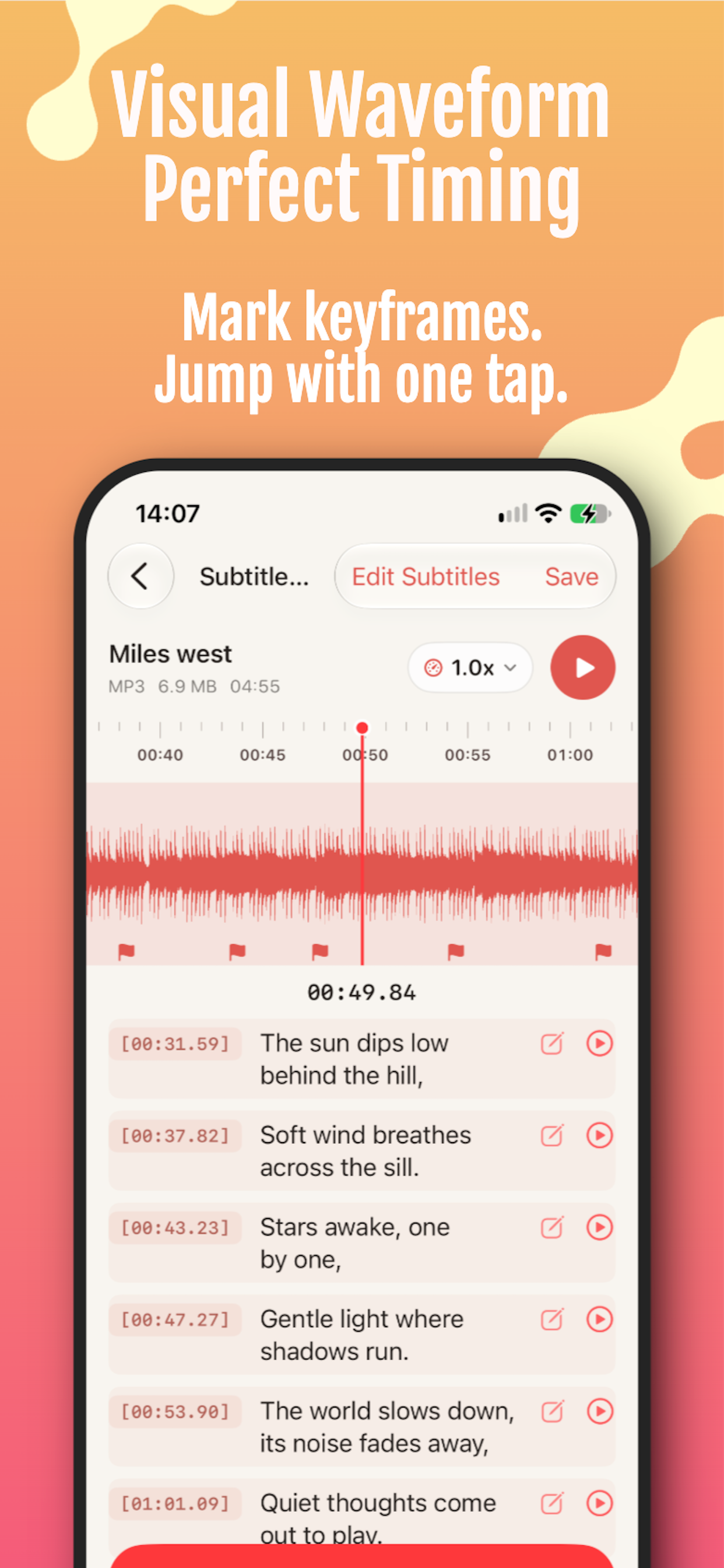
Follow the waveform and tap as each lyric begins. Fine-tune timestamps when needed.
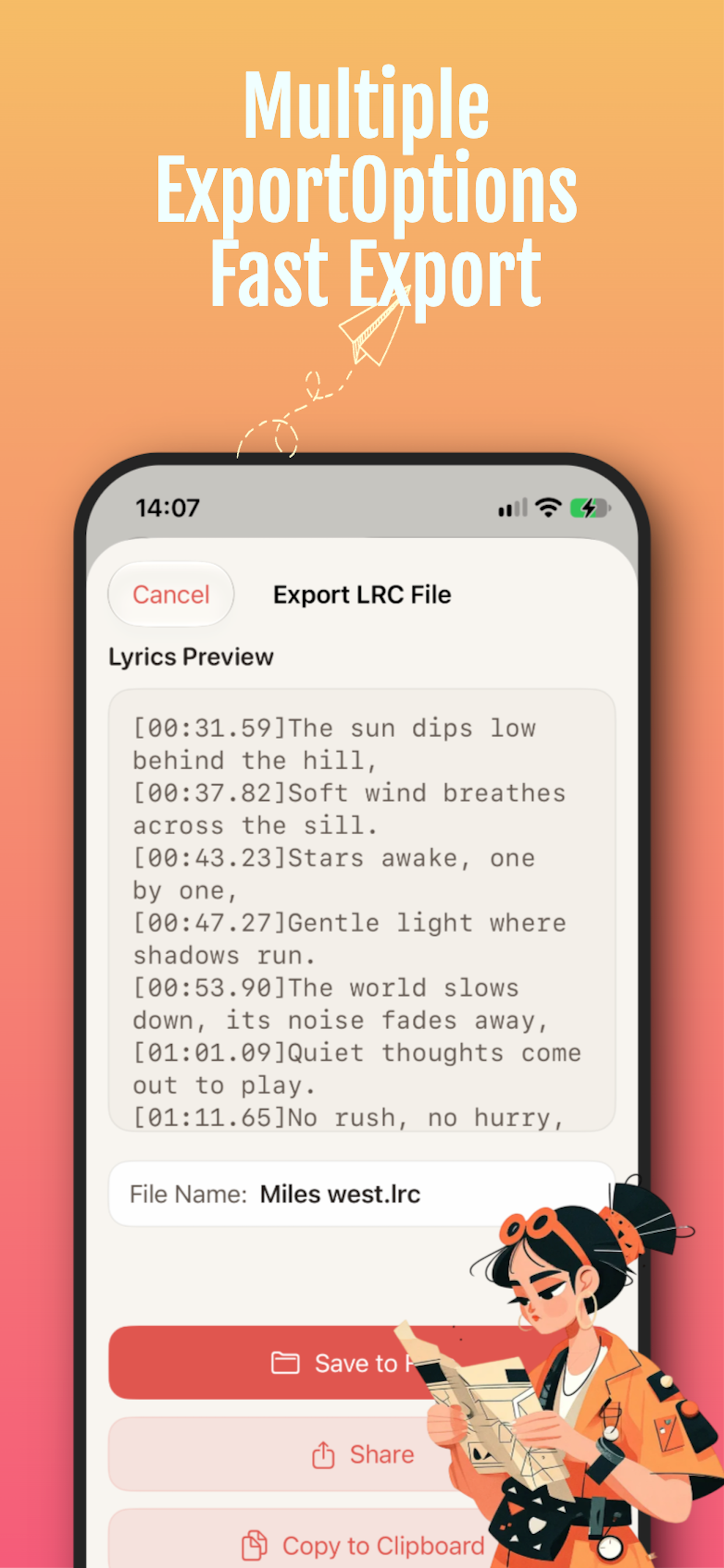
Export a standard LRC file, copy the result, share it, or write lyrics into the audio.
The waveform gives every line a visual reference. Jump through the track, adjust a timestamp, and keep the lyric flow readable from the first verse to the last.
Choose an audio file, paste the lyrics, tap along with the song, and export a clean LRC. Everything stays on your device.
Open the online editor
Create synchronized lyrics on iPhone, export a standard LRC file, or place the words directly inside the audio.
Open LRC Lyrics on the App Store